

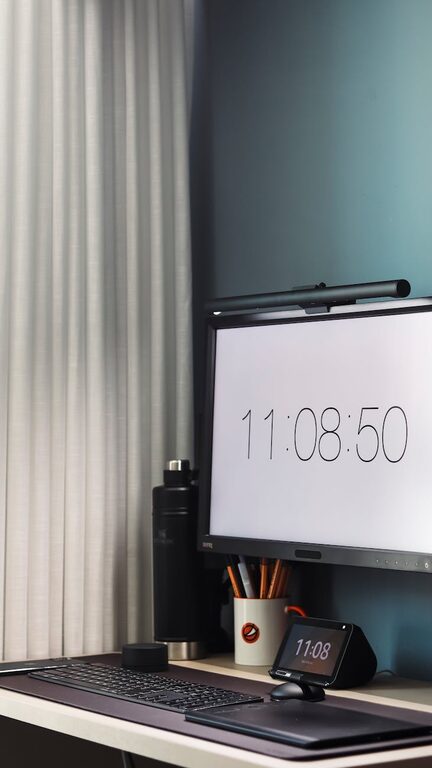
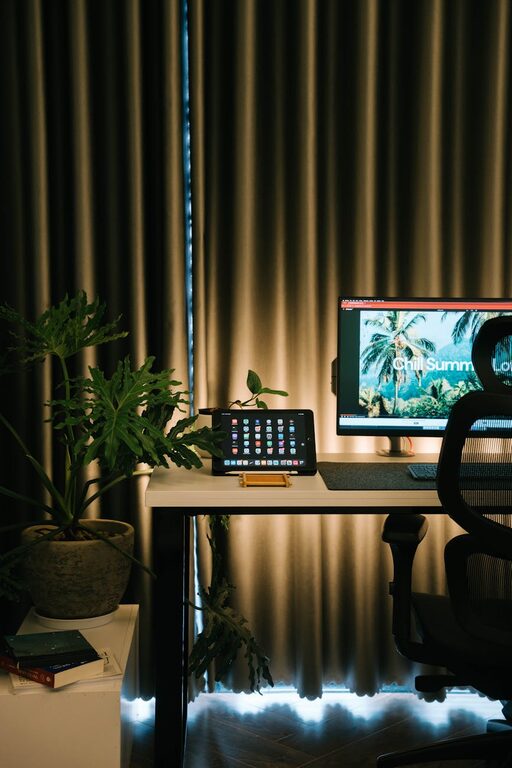
Creating a home office space that feels cozy yet keeps you productive can be a game-changer for anyone working from home. Striking the right balance between comfort and functionality helps maintain focus while also making your workday more enjoyable. Whether you have a dedicated room or just a small corner, these tips will guide you in designing a workspace suited to your needs.
1. Choose the Right Location
Your office location has a big impact on your ability to concentrate and feel comfortable.
– Quiet and Private: Pick a space away from high-traffic areas to minimize distractions.
– Natural Light: If possible, set up near a window to enjoy natural light, which can boost mood and energy.
– Adequate Space: Ensure there’s enough room for your desk, chair, and any necessary equipment without feeling cramped.
2. Invest in Ergonomic Furniture
Comfort is key to staying productive throughout the day.
– Chair: Choose an ergonomic chair that supports your back and promotes good posture.
– Desk: Opt for a desk at the right height for you. Adjustable desks that allow standing and sitting are a plus.
– Monitor Position: Place your computer screen at eye level to reduce neck strain.
3. Personalize Your Workspace
Adding personal touches can make your space feel more inviting.
– Colors: Select calming colors or whatever inspires you, like soft blues or greens.
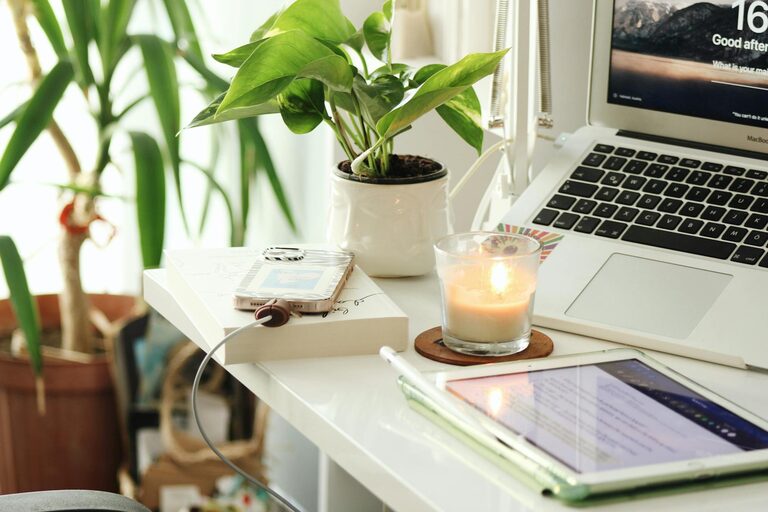
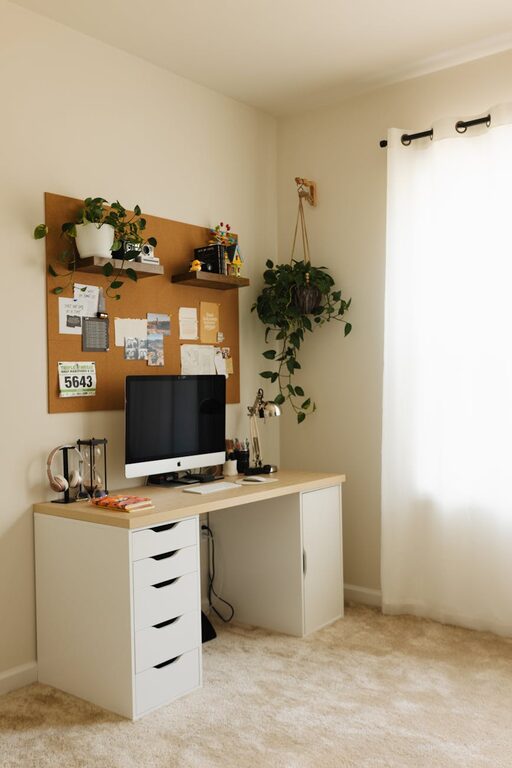
– Decor: Include items such as plants, artwork, or photos that make you happy but don’t clutter the desk.
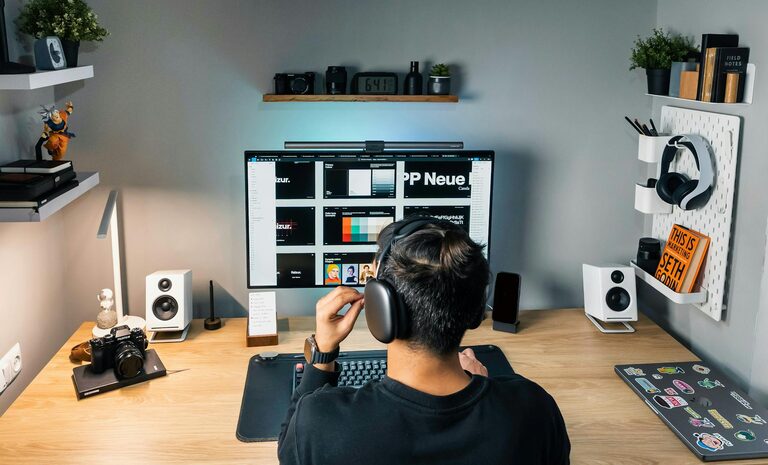
– Lighting: Use a combination of ambient and task lighting. Adjustable desk lamps help reduce eye strain during focused work.
4. Keep It Organized
A tidy desk helps maintain focus and reduces stress.
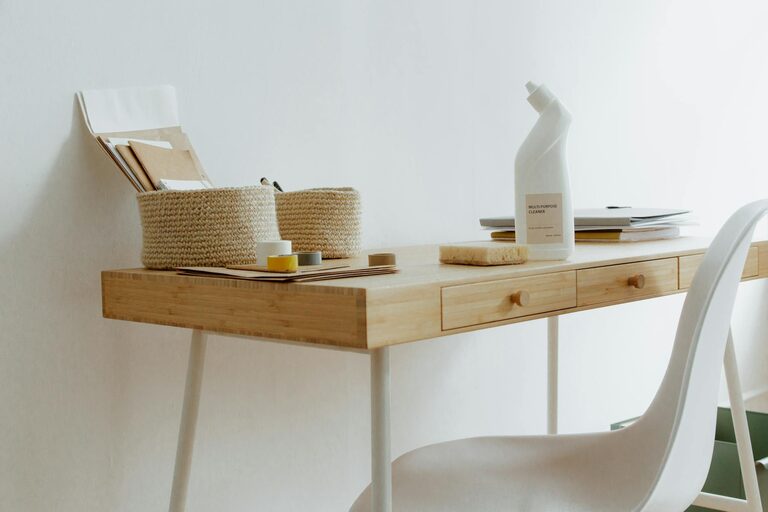
– Storage Solutions: Use shelves, bins, or drawers to keep papers and supplies neat.
– Desk Accessories: Utilize organizers for pens, cables, and notebooks to keep them within reach but orderly.
– Daily Routine: Develop a habit of clearing your desk at the end of each day to prepare for tomorrow.
5. Minimize Distractions
Creating boundaries is essential to stay on task during work hours.
– Noise Control: Use noise-cancelling headphones or white noise machines if background noise is a problem.
– Tech Management: Turn off non-work-related notifications and close unnecessary tabs or apps.
– Clear Boundaries: Let others in your household know your schedule to avoid interruptions.
6. Incorporate Break Areas
Even in a small space, having a spot to relax can refresh your mind.
– Comfortable Seating: Include a cozy chair or cushion nearby where you can step away from your desk.
– Stretching Space: Make room for light stretches or short exercises, which help reduce fatigue.
– Refreshments: Keep water or tea close by to stay hydrated throughout your workday.
7. Use Technology Wisely
The right technology setup can streamline your workflow.
– Reliable Internet: Ensure a strong internet connection to avoid disruptions during meetings or deadlines.
– Essential Devices: Choose peripherals like keyboards, mice, and webcams that suit your working style.
– Cable Management: Use clips or sleeves to keep cords organized and out of sight.
8. Create a Routine That Fits Your Space
Your office should support a daily routine that encourages productivity.
– Start and End Times: Set clear hours for work to maintain work-life balance.
– Organized To-Do List: Use planners or digital apps to plan tasks and track progress.
– Regular Breaks: Schedule short breaks to rest your eyes and mind.
—
Designing a cozy and productive home office doesn’t require a large budget or space. By focusing on comfort, organization, and minimizing distractions, you can create an environment that helps you perform your best while feeling relaxed. Remember, your workspace should reflect your preferences and support your unique workflow for truly effective work-from-home days.