
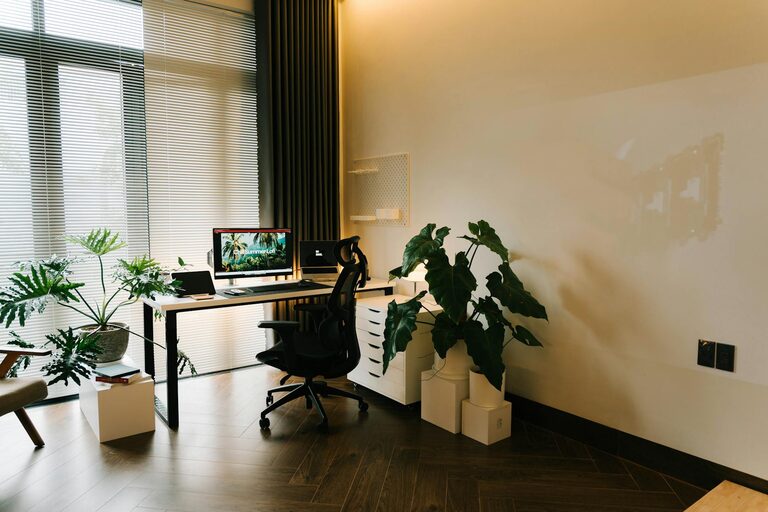


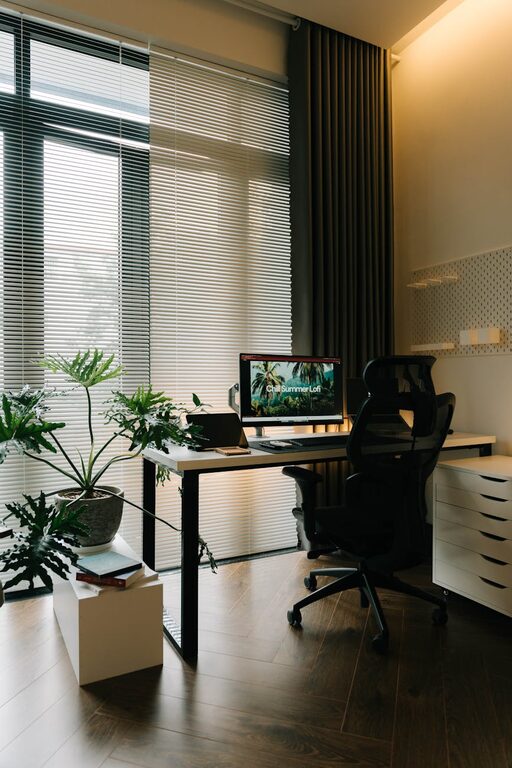

Creating a clutter-free workspace at home can make a significant difference in your productivity and overall well-being. Whether you’re working remotely full-time or just need a dedicated spot for personal projects, having an organized area helps you focus and feel calm. In this post, we’ll explore simple and effective ways to organize your home workspace, turning it into a clean, inviting, and efficient environment.
Why Organizing Your Workspace Matters
A cluttered workspace can be distracting and stressful. When things are scattered everywhere, it’s easy to lose track of important items or feel overwhelmed by the mess. On the other hand, a neat, organized space promotes better concentration, reduces anxiety, and can even improve your work quality. Plus, it makes your workspace more welcoming, which can boost motivation.
Start with a Clean Slate
Before organizing, take some time to clear everything off your desk and surrounding area. This helps you start fresh and provides a clearer picture of how much space you have. Wipe down surfaces to remove dust and crumbs and get ready to put only the essentials back in an orderly way.
Tips for a Clutter-Free Home Workspace
1. Use a Desk with Storage Options
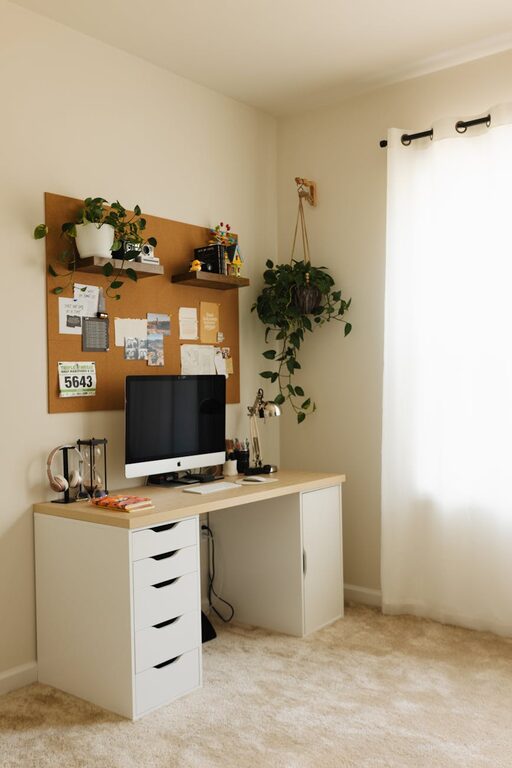
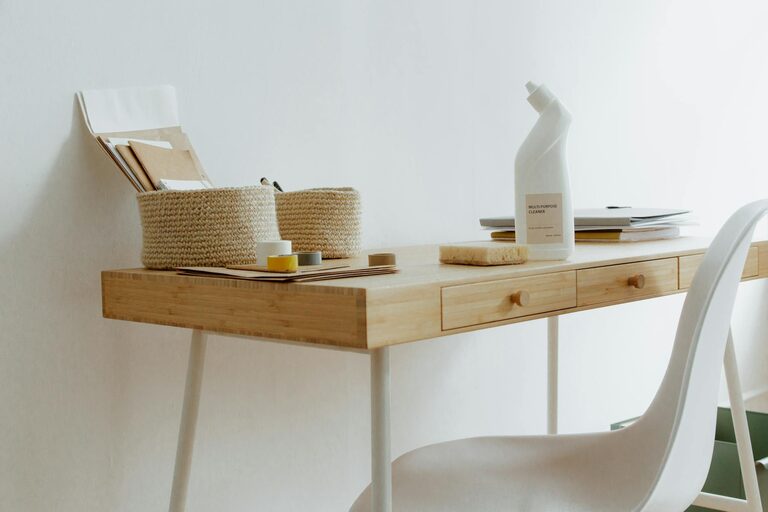
Choosing a desk that includes drawers or shelves can help keep supplies and paperwork out of sight but still within reach. Look for compartments that suit your needs, whether it’s a small drawer for stationery or larger shelves for books and files.
2. Keep Only What You Need on Your Desk
Limit desk items to what you use every day, such as your computer, a notepad, and a pen holder. Excess items like stacks of paper, knick-knacks, or unused gadgets can quickly create clutter. Store non-essential items elsewhere.
3. Make Use of Vertical Space
Wall-mounted shelves, pegboards, or bulletin boards can free up desk space while keeping things organized. Use these for books, inspiring reminders, or frequently accessed items. Vertical storage keeps your desk surface clear and your tools visible.
4. Organize Cables and Chargers
Messy cables can add to the cluttered feeling. Use cable clips, ties, or under-desk trays to bundle and route cords neatly. Label chargers and cords if you have multiple devices so you can quickly find the right one.
5. Create Zones for Different Tasks
If space allows, designate areas for different activities. For example, reserve one part of your desk for computer work, another for writing or drawing, and another as a storage zone. This separation helps keep clutter from accumulating in one spot.
6. Use Containers and Organizers
Small bins, trays, or drawer organizers keep tiny items like paperclips, sticky notes, or USB drives from scattering. Clear containers make it easy to see what’s inside without opening them.
7. Develop a Filing System
Paper clutter is common in home workspaces. Use folders, binders, or filing boxes to sort documents by category, date, or priority. Set a regular schedule to file and discard papers you no longer need.
8. Personalize with Care
While it’s nice to have photos or plants at your desk, aim to keep these items minimal so they don’t crowd your space. One or two personal touches can make your workspace feel more comfortable and inviting.
Maintenance: Keep It Clutter-Free
Organization is an ongoing process. Set a few minutes at the end of each day to tidy your desk, put away misplaced items, and prepare for the next day. Regular maintenance prevents clutter buildup and helps you sustain a functional workspace.
Bonus: Organize Digital Space Too
A clutter-free workspace isn’t just physical. Keep your computer desktop organized by creating folders and deleting unnecessary files. A clean digital environment also contributes to clearer thinking and easier access to your work.
Final Thoughts
Organizing a clutter-free workspace at home doesn’t require expensive solutions or major renovations. With simple habits and clever use of space, you can create a tidy, productive environment that supports your work and well-being. Start small, stay consistent, and enjoy the benefits of a workspace that works for you.