
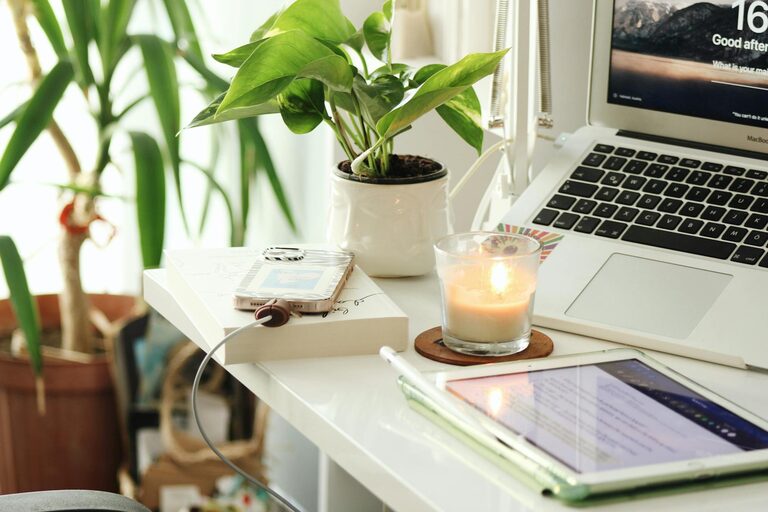
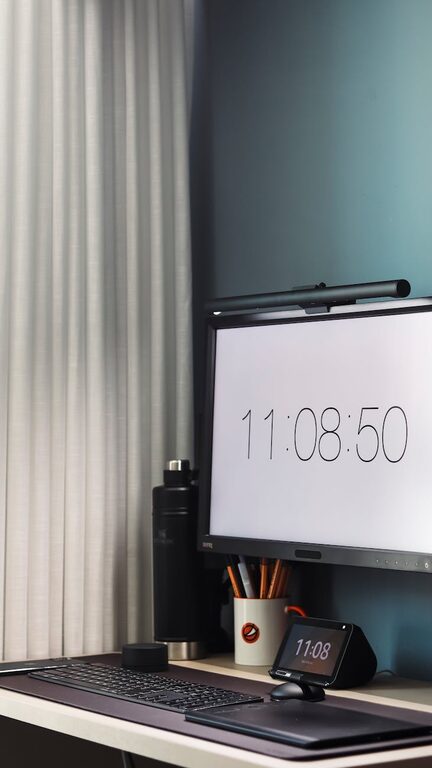

Creating a productive home office space is essential for anyone working remotely or pursuing personal projects at home. A well-designed workspace helps you stay focused, organized, and comfortable, which can greatly improve your efficiency and overall work experience. Whether you have a dedicated room or a small corner for your office, these tips will guide you in setting up an environment that supports your best work.
1. Choose the Right Location
Consider natural light and quietness
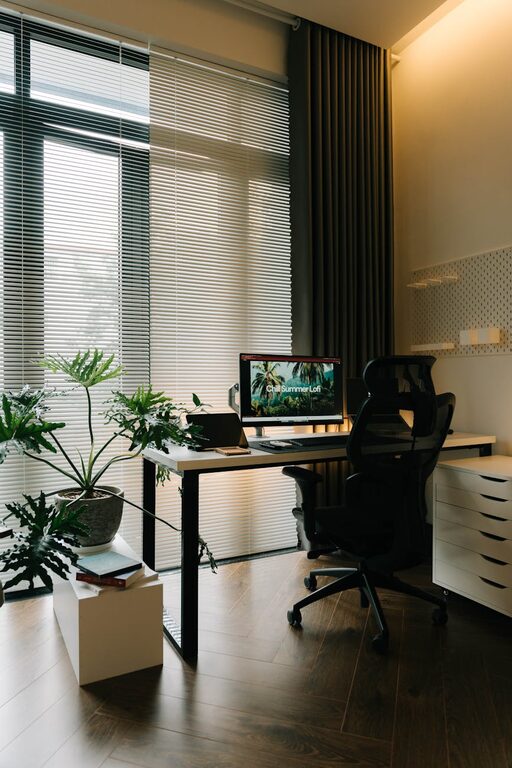
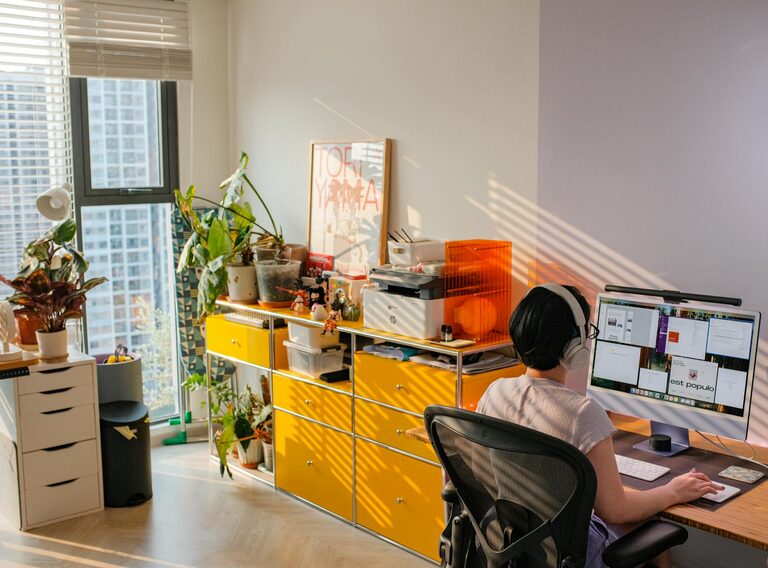
Pick a spot in your home that receives plenty of natural light, as it can improve mood and energy levels. Avoid areas with constant noise or distractions, such as near a television or busy hallway. If possible, choose a room separate from common living spaces to help maintain work-life boundaries.
Ensure enough space
Your workspace should have enough room to accommodate your desk, chair, and equipment comfortably. Having space to stretch or move around will help prevent discomfort during long work sessions.
2. Invest in Ergonomic Furniture
Select a comfortable chair
A good office chair with adjustable height and lumbar support is vital to prevent back and neck pain. Look for chairs that encourage good posture and provide comfort over extended periods.
Use a desk at the right height
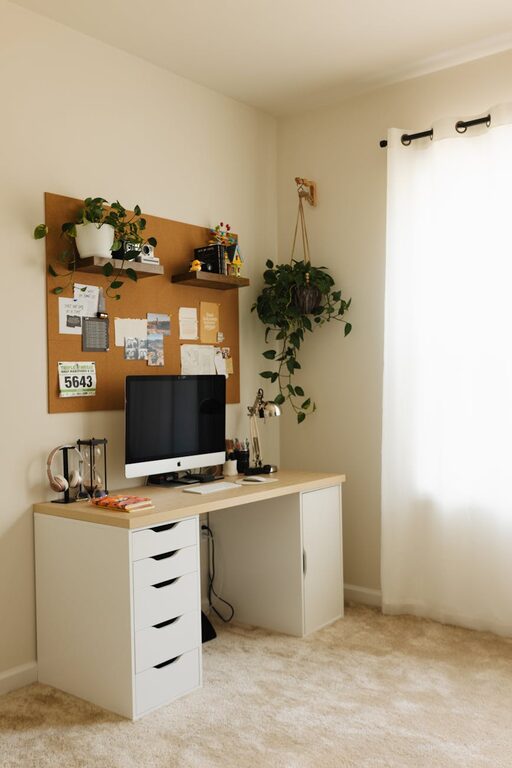
Your desk should allow you to type with your elbows at a 90-degree angle and keep your monitor at eye level. Adjustable desks, including standing desk options, can provide flexibility and promote better health.
3. Organize Your Workspace Effectively
Declutter regularly
Keep your desk free from unnecessary items to reduce distractions. Store items that aren’t used frequently in drawers or cabinets to maintain a neat appearance.
Utilize storage solutions
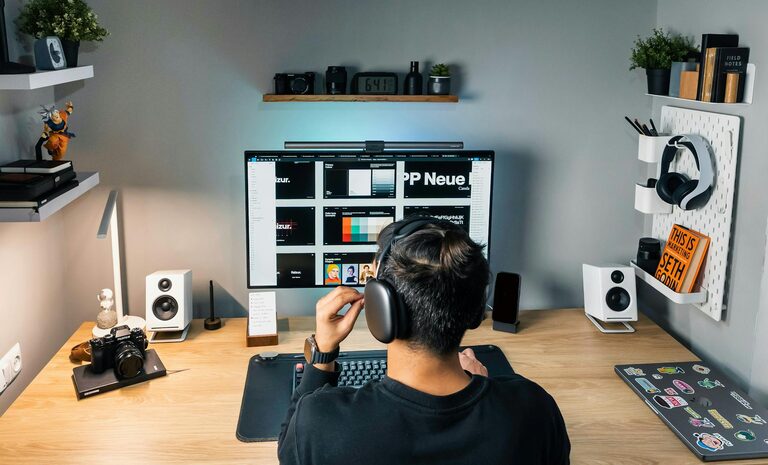
Use shelves, filing cabinets, or desk organizers to keep documents, office supplies, and gadgets in order. Labeling storage containers can save time when searching for specific items.
Cable management
Tidy up cords and cables using clips or sleeves to prevent a tangled mess. This not only looks cleaner but also reduces the risk of damage and accidents.
4. Optimize Lighting
Combine natural and artificial light
While natural light is preferred, it might not be sufficient during cloudy days or evening hours. Use a desk lamp with adjustable brightness and color temperature to reduce eye strain.
Avoid glare
Position your computer screen to minimize glare from windows or overhead lights. Consider using blinds or curtains to control sunlight if necessary.
5. Personalize Your Space Thoughtfully
Add inspiring décor
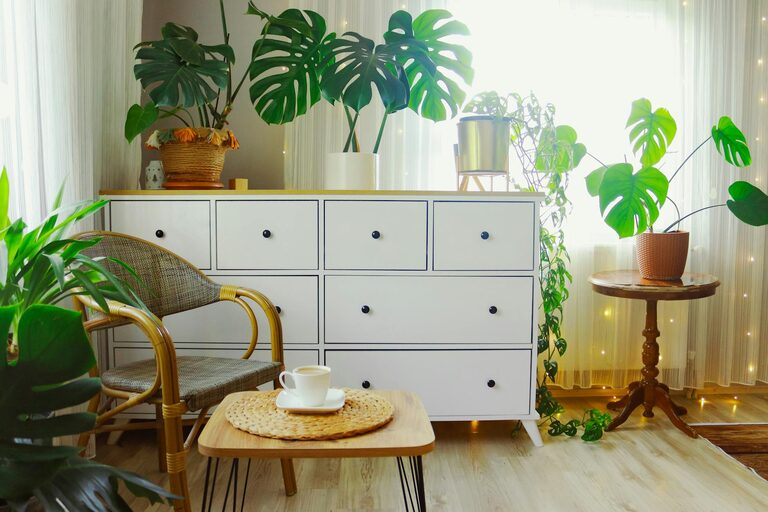
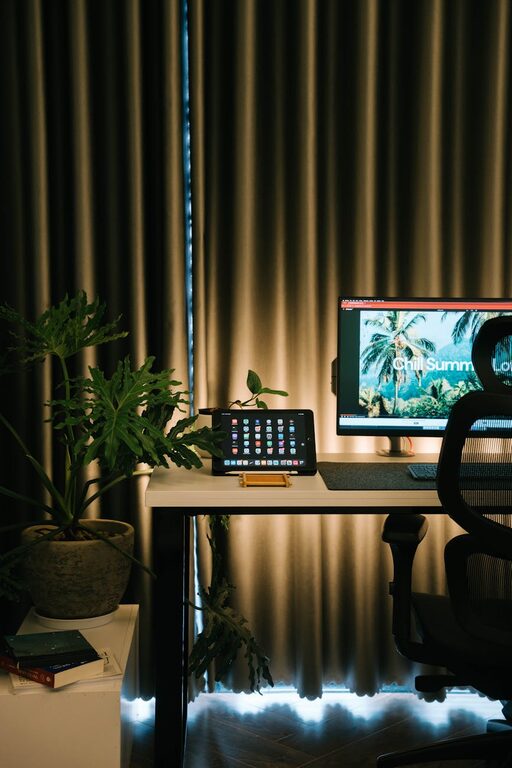
Include plants, artwork, or motivational quotes that make your workspace pleasant without overwhelming it. Greenery can improve air quality and add a calming touch.
Maintain a professional setting
If you attend video calls, ensure your background is tidy and neutral, creating a professional impression.
6. Manage Noise and Distractions
Use noise-canceling headphones
If you can’t control ambient noise, headphones can help you concentrate by blocking out distractions or playing focus-enhancing sounds or music.
Set boundaries
Communicate your work hours to family or housemates to minimize interruptions. Consider signs or signals that indicate when you are busy.
7. Incorporate Technology Efficiently
Reliable internet and hardware
Ensure your internet connection is stable and your computer, printer, and other devices meet your work needs. Upgrading technology can save time and reduce frustration.
Use productivity tools
Leverage apps and software designed for project management, time tracking, or communication to stay organized and collaborate more effectively.
8. Take Regular Breaks and Move
Follow the 20-20-20 rule
Every 20 minutes, look at something 20 feet away for 20 seconds to reduce eye strain from screen exposure.
Stretch and walk around
Set reminders to stand up, stretch, or walk briefly throughout the day to keep your body active and reduce stiffness.
Conclusion
Creating a productive home office involves more than just placing a desk in a room. It requires thoughtful planning, organization, and attention to comfort and functionality. By choosing the right location, investing in ergonomic furniture, optimizing lighting, and managing distractions, you can design a space that helps you stay focused and motivated throughout your workday. Personalizing your office and incorporating healthy work habits will further enhance your productivity and well-being. With these tips in mind, your home office can become a place where work feels enjoyable and efficient.